
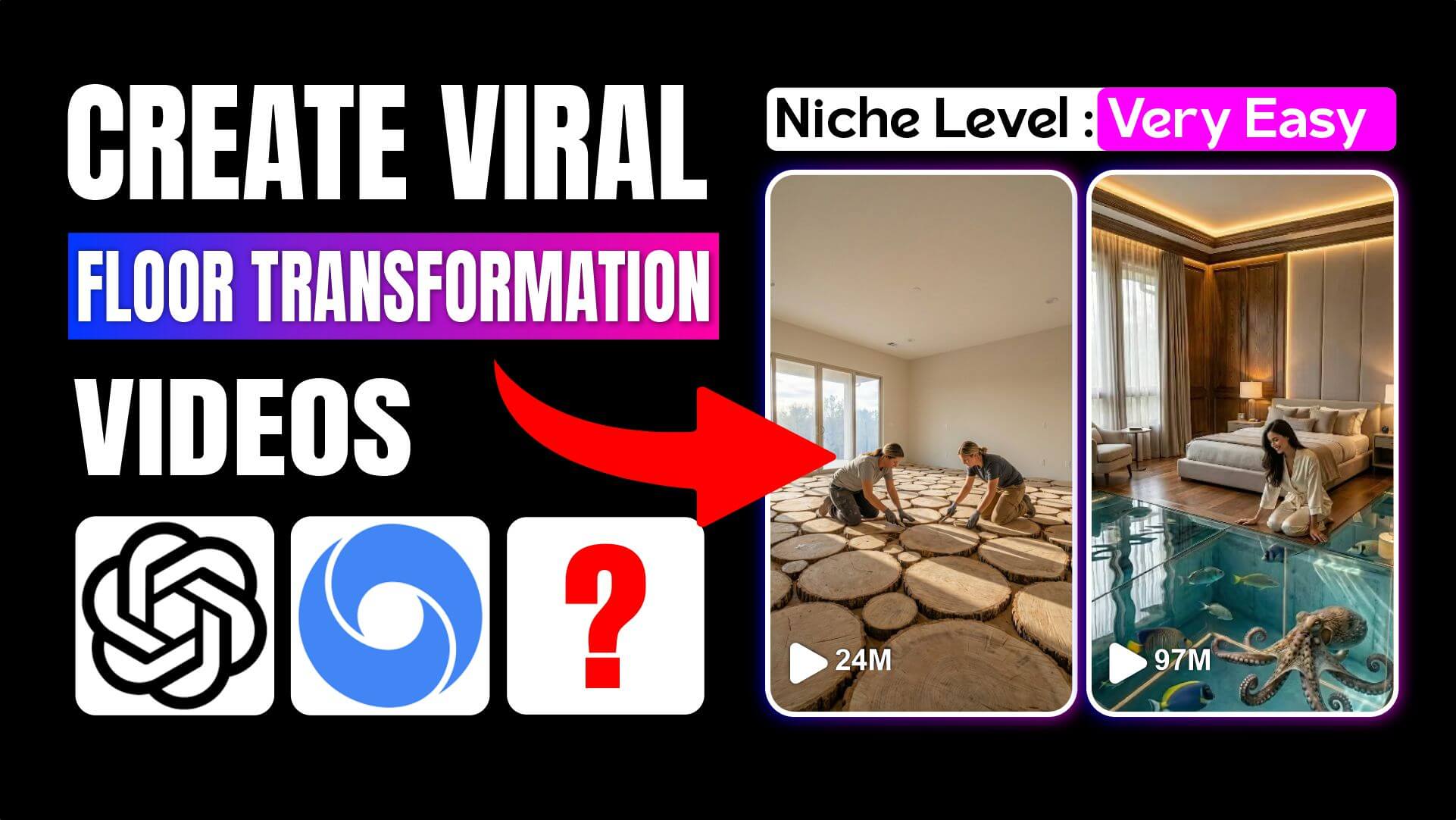
Learn how to create viral AI restoration videos using the Floor Transformation prompt with Google Flow, Nano Banana Pro, and Veo 3. A complete step-by-step cinematic workflow.
Introduction to Create Viral AI Video
AI restoration and floor transformation videos are exploding across TikTok, Instagram Reels, and YouTube Shorts. What makes them go viral isn’t just the visuals—it’s the process. Viewers love watching a space go from dusty concrete to a luxury, high-gloss epoxy masterpiece in a smooth, cinematic time-lapse.
At the center of this trend is a powerful system called Floor Transformation—a custom GPT prompt designed to generate photorealistic images and human-driven Veo 3 animations with perfect camera consistency.
In this guide, you’ll learn:
- Where to find the original Floor Transformation prompt
- How the workflow actually works in practice
- How to generate images with Google Flow + Nano Banana Pro
- How to animate them with Veo 3
- How creators assemble everything into a viral short-form video
Where to Find the Floor Transformation Prompt
Start here:
- Go to viralaiprompts.com
- Search for Floor Transformation
- Click the first article
- Scroll slightly—you’ll see the custom prompt, created personally by the author
This prompt is the foundation of the entire system.
What Is the Floor Transformation System?
The Floor Transformation system is a structured AI workflow that forces realism, continuity, and cinematic discipline. It is designed to eliminate the most common AI errors, such as:
- Camera angle changes
- Furniture teleporting
- Instant room transformations
- Unrealistic construction behavior
Instead, it simulates a real construction project, filmed from a static tripod camera, exactly like a professional renovation time-lapse.
The Complete Floor Transformation Custom Prompt
Below is the full custom prompt, exactly as used in production. You copy this entire prompt into ChatGPT and press Start.
CUSTOM PROMPT: FLOOR TRANSFORMATION
Floor Transformation Prompt
How to Use the Prompt in ChatGPT
Open ChatGPT
- Paste the entire custom prompt
- Click Start
The GPT will ask what type of room you want to create.
Example choice:
👉 Option 4 – Bedroom
Once selected, the GPT generates:
- 4 image prompts (Nano Banana Pro)
- 3 video prompts (Veo 3)
Image Generation in Google Flow (Nano Banana Pro)
Step-by-Step Image Workflow
- Open Google Flow
- Go to the Image tab
- Click the settings icon
- Select Nano Banana Pro
- Paste Image Prompt #1
- Set Aspect Ratio: 9:6 (short-form)
- Choose number of images
- Click Create
This gives you Frame 1 (empty construction room).
Maintaining Camera Consistency
For every next image:
- Upload the previous image as a reference image
- Paste the next prompt from the GPT
- Click Create
Repeat this for:
- Mid-construction
- Completed epoxy floor
- Final furnished room
By the end, you’ll have four perfectly aligned frames.
Video Creation Using Veo 3 (Frame-to-Video)
Transition 1: Construction Begins
- Start frame: Image 1
- End frame: Image 2
- Paste Video Prompt #1
- Aspect ratio: 9:6
- Model: Veo 3.1 Fast
- Outputs: 2 per prompt
Transition 2: Epoxy Installation
- Start frame: Image 2
- End frame: Image 3
- Paste Video Prompt #2
- Generate clip
Transition 3: Furnishing the Room
- Start frame: Image 3
- End frame: Image 4
- Paste Video Prompt #3
- Generate clip
This step is critical because everything happens manually—no snapping or teleporting.
Final Cinematic Shot (Bonus Clip)
Take the final completed room image and:
- Create one extra short video
- Use a simple prompt like:
“Slow cinematic zoom-in camera movement”
This adds a polished ending shot.
Editing the Final Viral Video
- Download all video clips
- Open CapCut
- Place clips in order:
- Construction
- Epoxy pour
- Furnishing
- Final cinematic shot
- Export as a short-form video
You now have a full AI renovation time-lapse.
Why This Workflow Works So Well
- Static camera = realism
- Human motion = trust
- Step-by-step process = retention
- Luxury epoxy visuals = shareability
This is exactly why these videos dominate social media.
Frequently Asked Questions
Do I need design experience?
No. The prompt enforces professional logic automatically.
Can I use other rooms besides bedrooms?
Yes. The prompt includes 10 room types.
Is Nano Banana Pro required?
Yes. It delivers the realism and reference consistency needed.
Why Veo 3 instead of normal animation?
Veo 3 handles human-driven motion realistically.
Can I monetize these videos?
Yes—many creators sell services, templates, or client work.
Does this work for commercial spaces?
Absolutely. Retail interiors and showrooms are built in.
Conclusion
The Floor Transformation system isn’t just a prompt—it’s a cinematic production blueprint. When paired with Google Flow, Nano Banana Pro, and Veo 3, it enables anyone to create viral, luxury restoration videos with professional realism.
If you follow the workflow exactly, the results speak for themselves.
End of Article
You can switch between modes anytime by simply typing the mode name (e.g., Article Mode, Blog Article + Image Mode, Custom Mode, Multilingual Mode).